.png?width=138&height=45&name=Logo%20(5).png "Logo (5)")
In 2025, automated testing has become a strategic necessity for any organization wishing to guarantee the quality of its applications.
Faster development cycles and growing pressure on user experience have made automation an essential pillar of software quality.
In this context, choosing the right tool is no longer a technical detail. It's a structuring decision that can determine the performance and resilience of your testing strategy.
This 2025 comparison takes an in-depth look at three major market solutions: Leapwork, Cypress and SmartBear TestComplete. Each meets specific needs and addresses distinct user profiles.
Whether you are a developer, QA tester, or business user, this guide will help you identify the tool best suited to your context and objectives.
Leapwork: No-code visual automation to democratize testing
Leapwork is an automation platform designed to make testing accessible to as many people as possible.
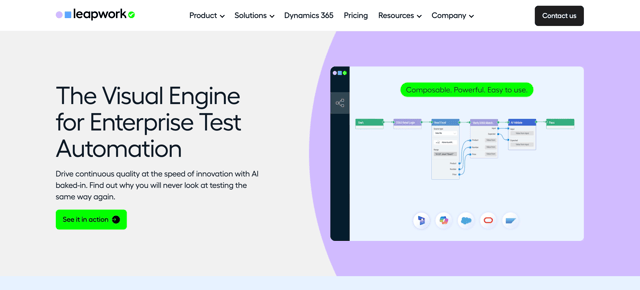
What sets it apart is its 100% visual approach, in which users create their scenarios by assembling graphic blocks rather than writing code.
This no-code philosophy enables business teams, manual testers and product owners to automate their own test cases without the need for advanced technical skills.
The tool is based on reusable blocks representing actions (click, enter text, check an element, navigate, etc.), which are simply dragged and dropped into a visual editor.
Leapwork also supports a wide variety of environments, from the web to Windows desktop applications, Citrix and even mainframe systems. This versatility is appreciated in organizations where several generations of applications coexist.
Key benefits of Leapwork
✅ Total accessibility thanks to no-code: opens up automation to non-technical profiles and enables business teams to create their tests without depending on developers.
✅ Quick to learn: the visual approach reduces complexity and facilitates scenario creation for manual testers or functional teams.
✅ S implified maintenance thanks to intelligent recognition: the platform automatically adjusts selectors when elements change slightly, limiting breakage and manual retouching.
✅ High multi-environment compatibility: support for web, desktop, Citrix and mainframe, making it suitable for heterogeneous IS.
The disadvantages of Leapwork
❌ Limitations of the no-code model: when a scenario becomes complex or requires advanced logic, the lack of access to code can frustrate experienced users.
❌ High cost: the solution is positioned at the top end of the market, which may represent a brake for small structures or projects with restricted budgets.
❌ C losed proprietary ecosystem: the tests created are strongly tied to the platform, making future migration difficult and creating a risk of technological lock-in.
❌ Real learning curve despite no-code: mastering the full range of features takes time, especially to fully exploit advanced blocks and configuration options.
*Ideal for organizations wishing to democratize automation and unify their tests on a visual, versatile and accessible platform.
Cypress: speed and reliability for JavaScript end-to-end web testing
Cypress has become one of the essential testing tools in the JavaScript ecosystem.
Unlike Leapwork, which relies on a no-code visual approach, Cypress is aimed primarily at developers and technical teams.
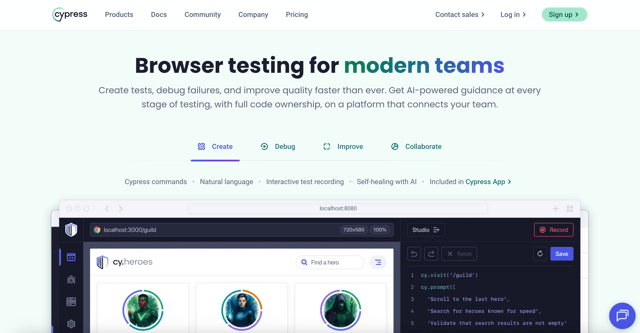
Its distinctive feature is a modern architecture that runs directly in the browser, offering unique visibility and control over the application under test.
Operating in the same execution loop as the application under test, it provides real-time access to the DOM, network events and internal objects.
This innovative approach significantly improves the stability, execution speed and accuracy of end-to-end tests.
Key benefits of Cypress
✅ S peed of execution: thanks to its browser-embedded architecture, tests run very quickly. Automatic test reloading greatly accelerates the feedback loop for developers.
✅ Greater reliability: Cypress automatically manages waits, animations and network responses. Tests become much more stable and require no manual pauses, drastically reducing false negatives.
✅ S implified debugging: the test runner interface lets you visualize every stage of the test, with automatic screenshots and videos in the event of failure. Debugging becomes faster and more visual.
✅ Native integration with the JavaScript ecosystem: perfectly compatible with React, Vue, Angular and jQuery, Cypress integrates seamlessly into modern projects. Numerous plugins enhance its capabilities, notably for authentication, payments or API simulation.
Disadvantages of Cypress
❌ Exclusive reliance on JavaScript: teams working with Python, Java or C# must adapt their skills or maintain multiple frameworks, which can complicate the testing strategy.
❌ Limited functional scope: Cypress focuses solely on web application testing. Mobile, desktop or complex API tests require complementary tools.
❌ Technical restrictions: multi-tab or multi-domain scenarios remain difficult to manage. Workarounds exist, but they increase complexity and reduce maintainability.
❌ Cost of advanced features: premium options such as Cloud Dashboard, parallel execution or analytics represent an additional investment that can weigh on small budgets.
*Ideal for technical teams and JavaScript projects looking for speed, reliability and deep integration with modern web frameworks.
SmartBear TestComplete: powerful hybrid solution for diverse application environments
SmartBear TestComplete is a particularly comprehensive automation solution, designed to cover a wide range of application environments.
Unlike tools that specialize in a single type of technology, TestComplete adopts a hybrid approach capable of testing web, desktop, mobile and even more technical interfaces.
This versatility makes it a popular tool for organizations managing several projects simultaneously, and wishing to avoid multiplying test frameworks.
The platform offers both scripted options for developers and a no-code mode for functional testers, providing appreciable flexibility.
Key benefits of SmartBear TestComplete
✅ Very broad technological compatibility: native support for Windows applications, modern web applications (React, Angular, Vue), iOS/Android mobiles and rarer frameworks like Delphi or Qt. Ideal coverage for heterogeneous environments.
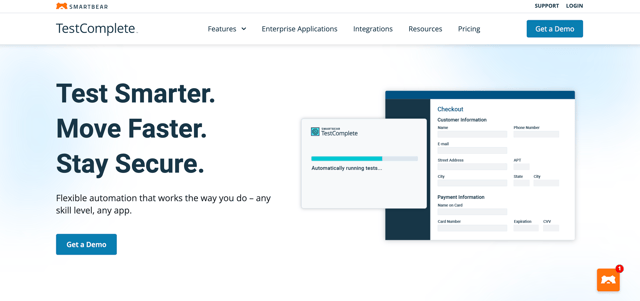
✅ Flexible testing approaches: scripts can be written in JavaScript, Python, VBScript, DelphiScript or C++Script. Non-technical testers can use record mode to automatically generate reusable scripts.
✅ Advanced object recognition: multi-layer engine combining native properties, visual analysis and AI. Result: tests more resistant to interface changes and reduced maintenance.
✅ S eamless integration with CI/CD: compatible with Jenkins, GitLab CI, Azure DevOps, TeamCity... Tests integrate naturally into DevOps pipelines with detailed reporting for each run.
✅ Efficient test data management: CSV/Excel import, database connection, scenario parameterization. Ideal for running complex variations and guaranteeing data representativeness.
The disadvantages of SmartBear TestComplete
❌ High cost: premium solution with a significant license price, plus annual maintenance fees. Can become a drag for small teams or startups.
❌ Notable learning curve: despite its no-code options, fully exploiting the platform requires real technical skills. Beginners may be baffled by the functional richness.
❌ Perfectible performance on large volumes: some users report slowdowns when running very large or parallel test suites, especially on complex web applications.
❌ Dependence on the SmartBear ecosystem: integration with other tools can lack fluidity, sometimes forcing teams to adapt their existing processes rather than the other way around.
*Ideal for multi-technology organizations looking for a robust, flexible tool capable of simultaneously covering web, desktop and mobile.
Our recommendation
If your priority is speed, proximity to the code and seamless integration into DevOps practices, Cypress will be the natural choice for technical teams working on the modern web.
If you're looking to democratize automation for business teams and reduce dependency on developers, Leapwork is the most accessible option, thanks to its visual, no-code approach.
For multi-technology or hybrid environments, where web, desktop, mobile or legacy coexist, SmartBear TestComplete remains the most comprehensive and flexible solution.
Some organizations opt for a mixed approach, combining Cypress for web testing, Leapwork for business functional testing and TestComplete for legacy applications.
This multi-tool strategy can offer optimal coverage, provided it is accompanied by clear governance.
Test Mr Suricate | A cross-browser, cross-device automated testing solution
If your objective is to secure your user paths without technical complexity or disproportionate investment, Mr Suricate offers a simple, modern and immediately operational alternative.
Its strength lies in the combination of a turnkey SaaS solution and human support, enabling any profile (even non-technical) to become operational in just a few weeks.
With Mr Suricate, you can monitor your site or application on all browsers and devices, continuously, with a clear view of the anomalies that really impact your users.
For organizations wishing to automate their test stack intelligently, without adding complexity, Mr Suricate is a pragmatic, accessible solution focused on quality of experience.